Deployment Design Updates
Deployments Summary Page – Summary tab now includes a data connectivity summary and an improved layout for the timeline chart
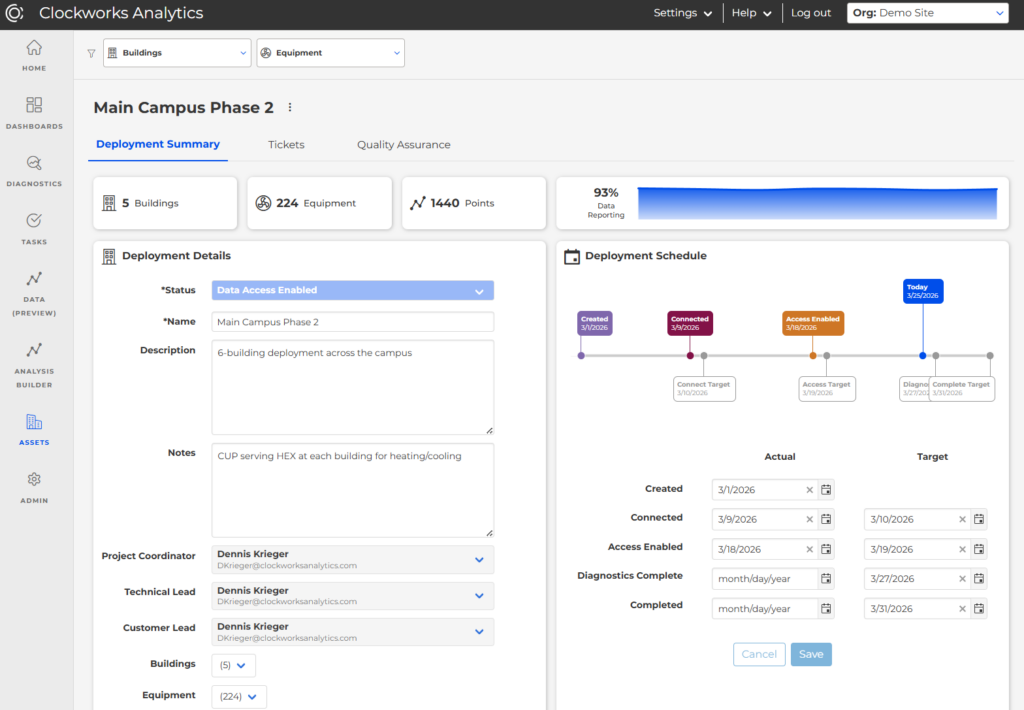 Deployment Tickets – The Tickets tab now allows you to filter to active tickets only with an improved sort order by priority
Quality Assurance – QA tab now includes a summary of data quality issues: not reporting, flatlined, and out of range
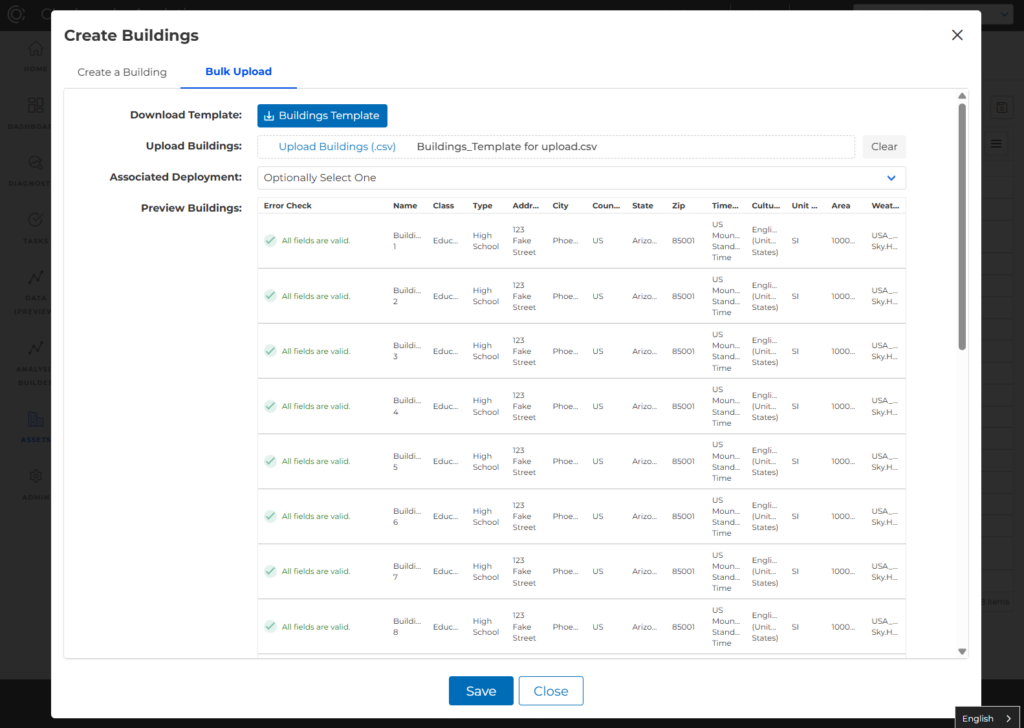
Bulk Upload Buildings
Now there is an option to bulk upload when creating buildings, including a new Excel workbook with drop-down options and validation check before upload. Capped at 20 buildings for now.
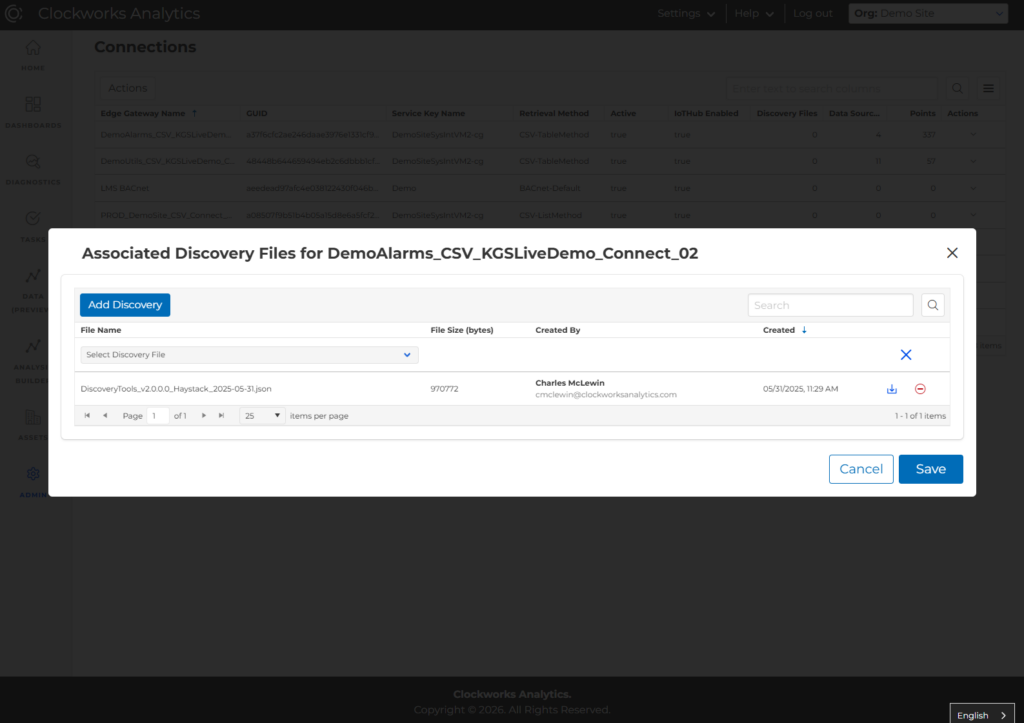
Discovery File –> Edge Gateway
The discovery file can now be associated to edge gateway(s). This action provides a feedback loop for partners that are working through the initial onboarding steps of creating and connecting buildings.
Identify high-priority equipment
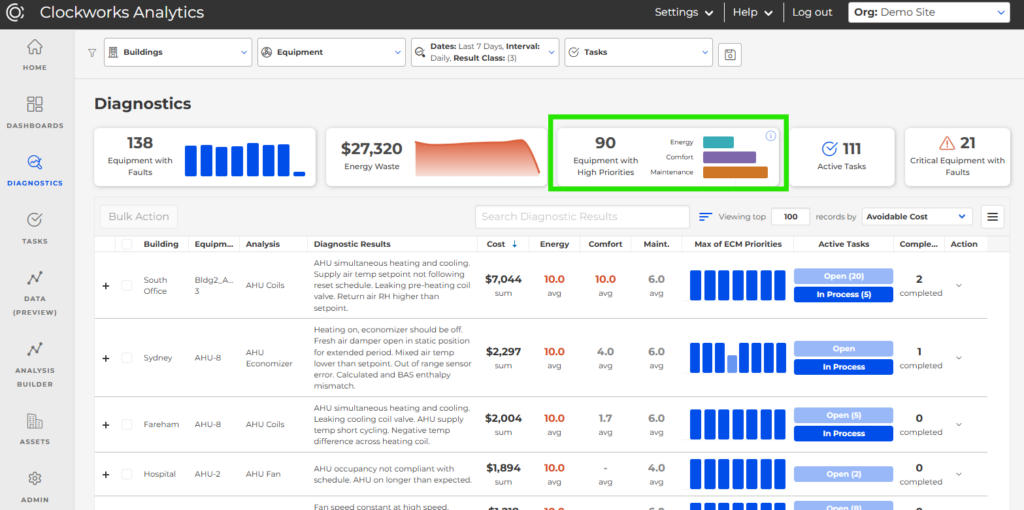
The “score widgets” have been replaced with a more intuitive count of equipment with high Energy, Comfort, or Maintenance priorities—making it easier to take early action of the most important equipment issues!