

Task & Equipment Labels Bulk Editing
Faster Asset Editing
- By Julia Gandy
We’ve shipped some exciting new features that are now live and ready for you to explore. Here’s what’s new in Clockworks.
Bulk Label Editing for Tasks and Equipment
First up – we’ve added the ability to bulk edit task and equipment labels, making it much faster to set up and manage labels across your records.
How it works for Tasks: When you’re in the task feature, you can now select multiple task records and take advantage of a new bulk action for either adding or removing labels across those selected records. You can choose from existing labels or apply custom labels, and now apply those in bulk across multiple task records.
How it works for Equipment: If you’re doing bulk editing of equipment, you’ll see a similar control for adding and removing labels on equipment as well. Same functionality, same time savings.
Why this matters: Labels help you organize and prioritize your work. Whether you’re categorizing tasks by urgency, grouping equipment by system type, or marking critical assets, bulk editing means you can organize hundreds of records in minutes instead of hours. No more clicking through items one by one.
Faster Asset Editing
The second thing we’ve added is the ability to quickly edit assets across the building, equipment, and points pages.
You can now jump straight into editing mode. Every row you click will put you directly into edit mode if you have the rights to do that. This speeds up your ability to quickly open and edit records without having to click more buttons and wait for edit mode to engage.
Why this matters: When you’re updating asset information or making corrections, every extra click adds up. Fast editing means you spend less time navigating and more time on the work that matters.
That’s the quick rundown on our latest release. These updates are live now and ready for you to explore. We’re excited to hear your feedback as you try out these new features!
Share the Post:
Related Posts
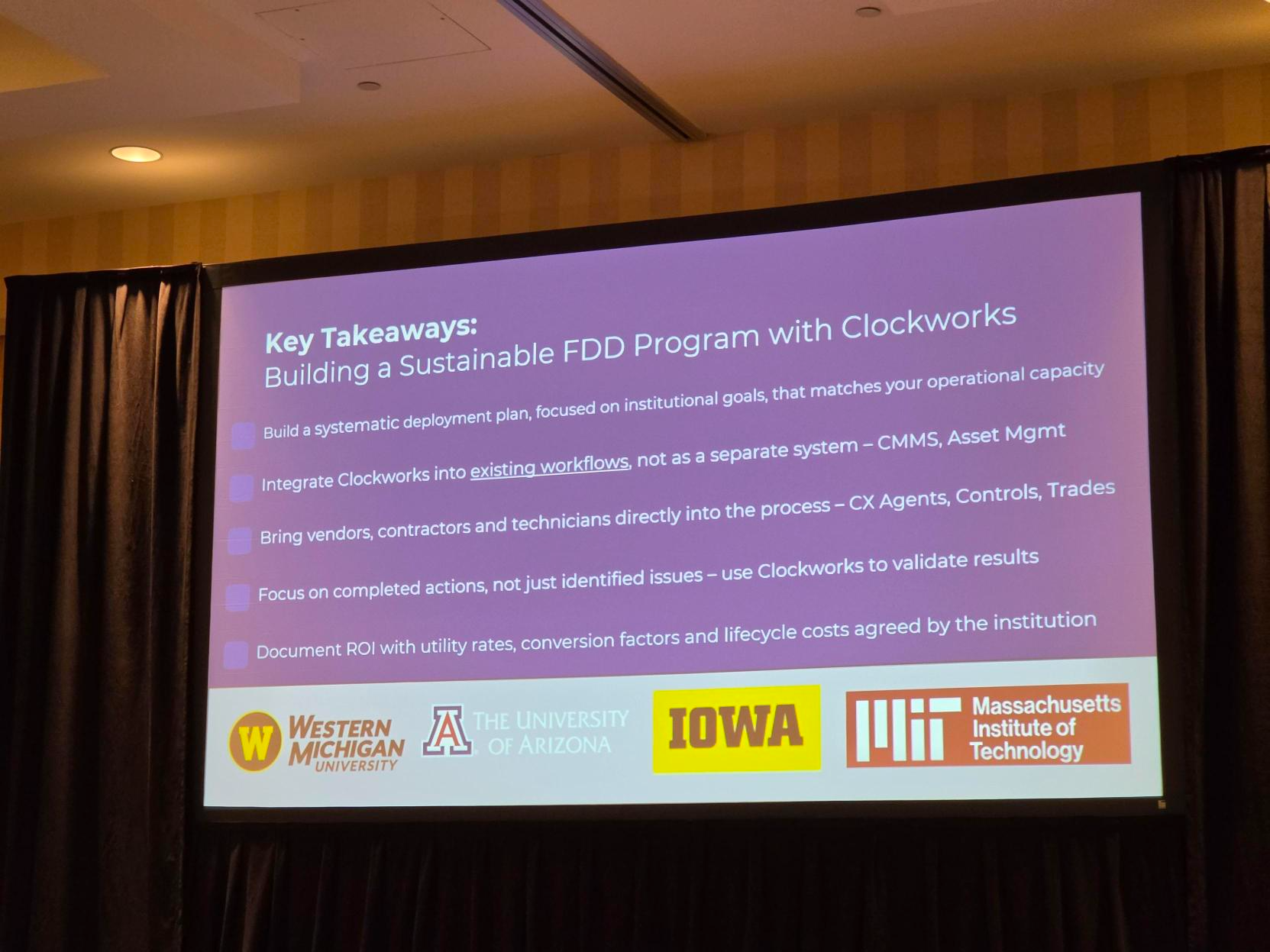
How to Build a Sustainable FDD Program: 5 Steps That Work
August 10, 2026